Features
Everything in VectorCAD
One program for 2D drafting, 3D modelling, sheet output and automation — with the VectorMEP building-services module included.
Drafting
- Lines, polylines, arcs, circles, ellipses, splines, rectangles and polygons
- 14 object-snap modes, object tracking, polar and ortho
- Dynamic input next to the cursor and a full command line with aliases
- Construction lines, points, regions and boundaries
Editing
- Move, copy, rotate, scale, mirror, offset, trim, extend, fillet, chamfer
- Stretch with crossing windows, align, and rectangular / polar / path arrays
- Grips with multifunction menus and selection cycling
- Quick select, filters, match properties, overkill and unlimited undo / redo
Annotation
- Text and MText with an in-place editor and spell check
- Linear, aligned, angular, radius and quick dimensions; multileaders
- Tables, fields, hatches and gradients, wipeouts
- Text, dimension, table and multileader styles; annotation scales
Blocks & references
- Blocks with attributes and a block editor
- Dynamic blocks: visibility states, lookup tables and parameters
- External references (xrefs), images and PDF underlays
- Purge, audit, recover and eTransmit packages
Layouts & output
- Paper-space layouts with rectangular and polygonal viewports
- Per-viewport layer freeze and scale locking, stored in DWG
- Page setups, plot preview, plot stamps and plot styles
- Publish multi-sheet vector PDFs with bookmarks; sheet sets
3D
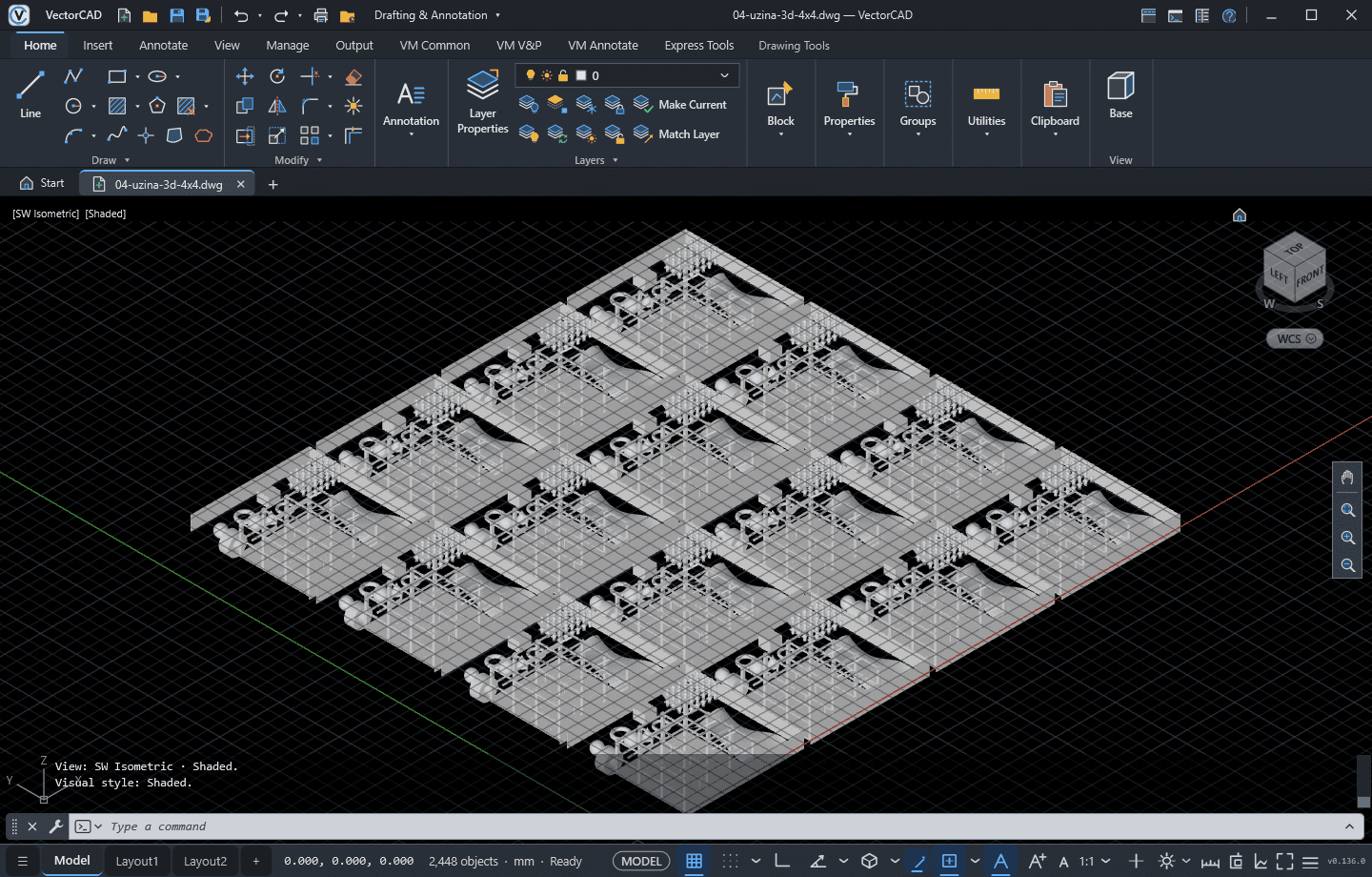
- Solids: BOX, WEDGE, CYLINDER, CONE, SPHERE, TORUS, POLYSOLID
- EXTRUDE, REVOLVE, and UNION / SUBTRACT / INTERSECT
- Meshes and surfaces; ACIS solids read from DWG
- Orbit, view cube and 2D Wireframe, Wireframe, Hidden, Shaded and Realistic styles
Automation
- AutoLISP-style LISP: LAMBDA, MAPCAR, APPLY, WHILE, COND, FOREACH
- Entity access: ENTGET, ENTMOD, ENTMAKE, ENTDEL, selection sets
- DCL dialogs, APPLOAD with MNL files and a startup suite
- Script files (.scr) and personal command aliases
Files & compatibility
- DWG and DXF open / save, including DWG 2018
- Layers, linetypes, lineweights, colours and transparency preserved
- SHX and TrueType fonts; text recovered from PDF imports
- Drawing templates, autosave and backup files
Interface & performance
- Ribbon with seven tabs plus classic menus, tool palettes and workspaces
- Light and Dark themes, Properties palette, Layer Properties Manager
- Direct3D 11 rendering and multi-core DWG reading for very large drawings
- Tuned for Remote Desktop and terminal servers; no account, no telemetry
VectorMEP module
- Ductwork and piping with automatic fittings
- Pressure-drop calculation, balancing and sizing
- Clash detection, bill of materials, IFC4 export
- Included in every plan
Explore VectorMEP →